Adjusting SLAs
Last updated: June 2, 2026
SLAs (Service Level Agreements) define how quickly findings of different severity levels should be remediated once they're detected. Aisle comes with industry-standard SLA timelines pre-configured for Low, Medium, High, and Critical findings, so you have a sensible baseline from day one — but every organization has its own internal policies, risk tolerance, and compliance requirements, so these thresholds are fully customizable.
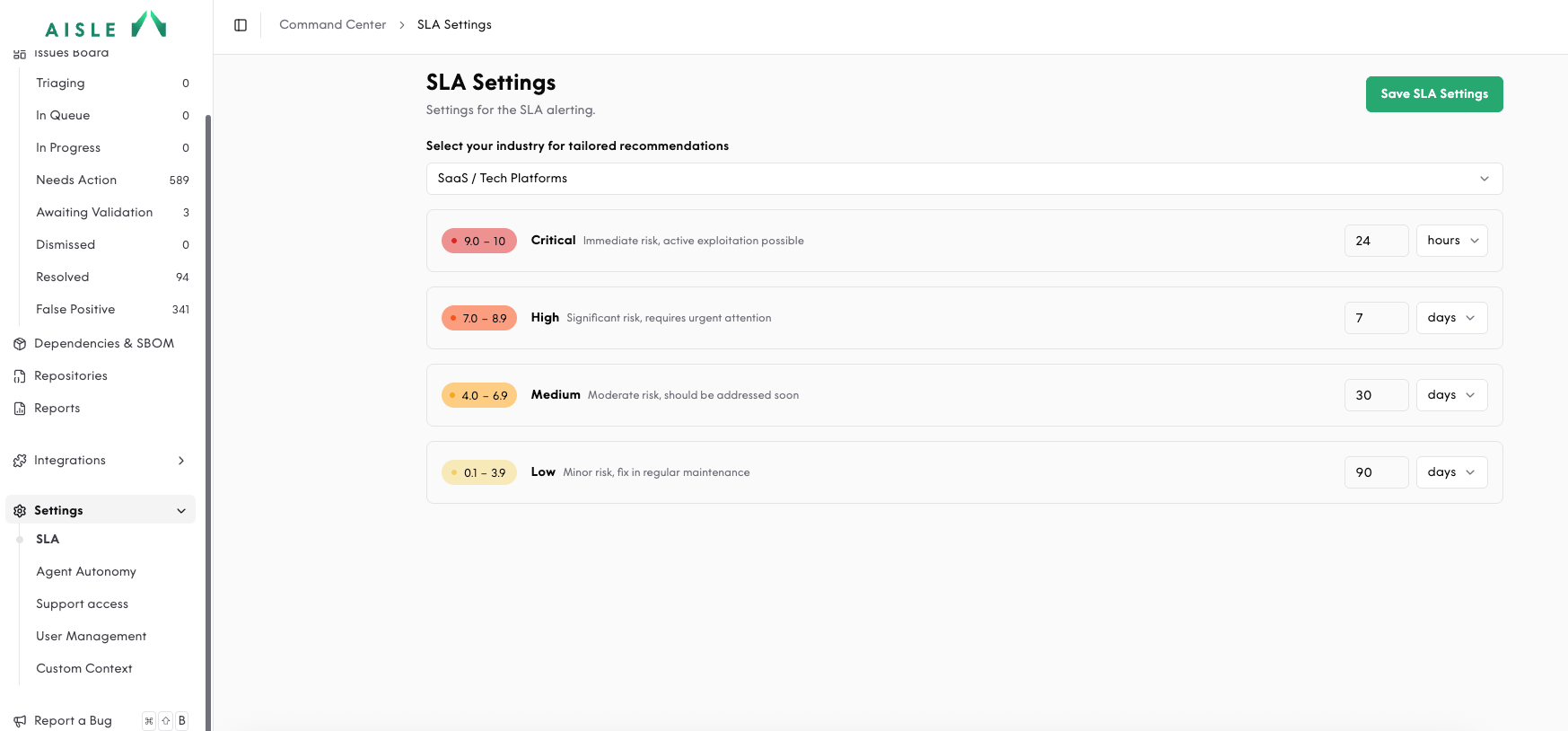
To adjust the severity thresholds of your SLA alerts, navigate to the Settings drop-down menu on the left sidebar and click SLA. You'll then see the SLA alert timelines for Low, Medium, High, and Critical findings.
To get started with tailored recommendations, select your industry from the drop-down menu — Aisle will suggest timelines based on common practices for your sector (for example, financial services and healthcare typically operate on tighter remediation windows than other industries). From there, you can fine-tune each severity level to match your internal security policies, regulatory obligations, or agreements with your security and engineering teams.
Any changes you make apply going forward and will be reflected in your alerting and reporting.